
Blog · September 29, 2026
Troubleshooting Video Call Dropouts: Tips for Houston Households
Experiencing dropped video calls or frozen screens during Zoom, FaceTime, or Teams meetings? Here’s what to check and try before your next call.
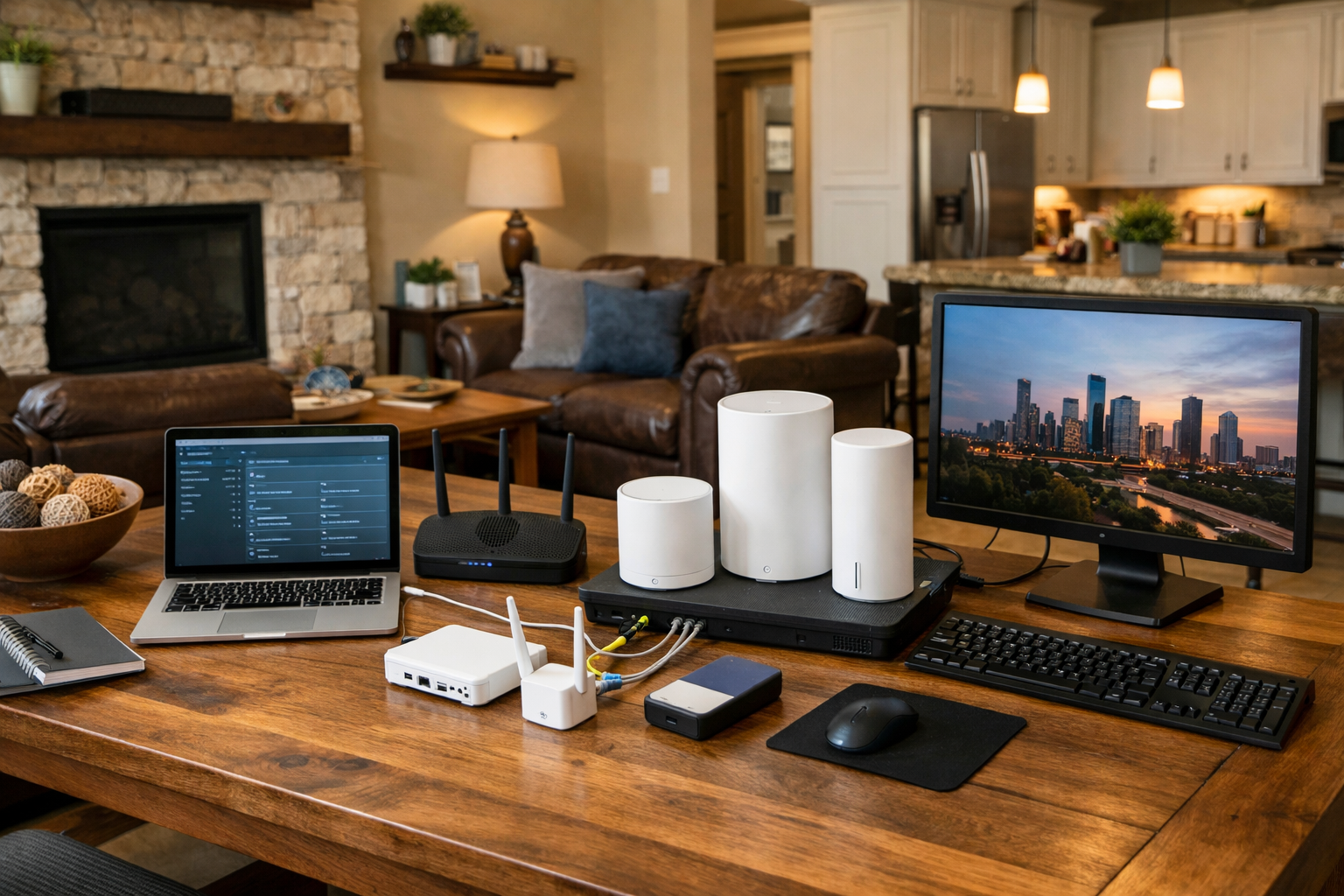
Video calls have become a staple of our daily routines, whether for work, family catch-ups, or virtual hangouts. However, there’s nothing more frustrating than a call that drops unexpectedly or freezes mid-conversation. If you find yourself dealing with this issue in your Houston home, let’s explore some practical steps you can take before reaching out for help.
Check Your Wi-Fi Connection
Start by looking at your Wi-Fi situation. Is the signal strong where you’re making the call? If you're sitting far from your router, the connection might be weak. Consider moving closer to the router to test if that resolves the issue. Additionally, check if other devices in the house are hogging bandwidth. Streaming services or downloads can slow things down significantly. If your Wi-Fi is spotty, it might be time to reboot your router or look into upgrading your equipment, especially if it’s a few years old.
Inspect Your Video Call Settings
Sometimes, the settings within the video call application can cause issues. Ensure that your microphone and camera are correctly selected in the app’s settings. If you’re using external devices, check that they are properly connected and functioning. You can run a quick test call to see if everything is working as expected before your next important meeting. This extra step can save you from last-minute panic.
Update Your Software
It’s easy to overlook software updates, but they can play a crucial role in performance. Check if your video call app is up to date. Software developers frequently release updates to fix bugs and improve stability. This applies not only to the video call applications themselves but also to your operating system. Whether you’re using a PC or a Mac, keeping everything updated can help prevent those pesky drops.
Consider Your Environment
The environment where you’re making calls can impact quality too. If you’re in a room with a lot of background noise or poor lighting, it may affect how the software performs. Try to choose a quiet, well-lit space for your calls. If possible, use a wired connection instead of Wi-Fi for a more stable internet experience. An Ethernet cable can make a significant difference in connection quality, especially for video conferencing.
Book a Visit
If you’ve tried these troubleshooting steps and are still facing issues with dropped video calls, it might be time to call in The Nerd Network. We can help assess your home setup, check your devices, and ensure everything is optimized for those important conversations.
Get Help at /contact or call (832) 413-2415.