
Blog · September 11, 2026
Setting Up Your New Computer: A Practical Guide for Houston Homes
Bringing a new computer into your Houston home can be both exciting and daunting. Here’s how to smoothly transfer your important files and set everything up without losing your cherished memories.
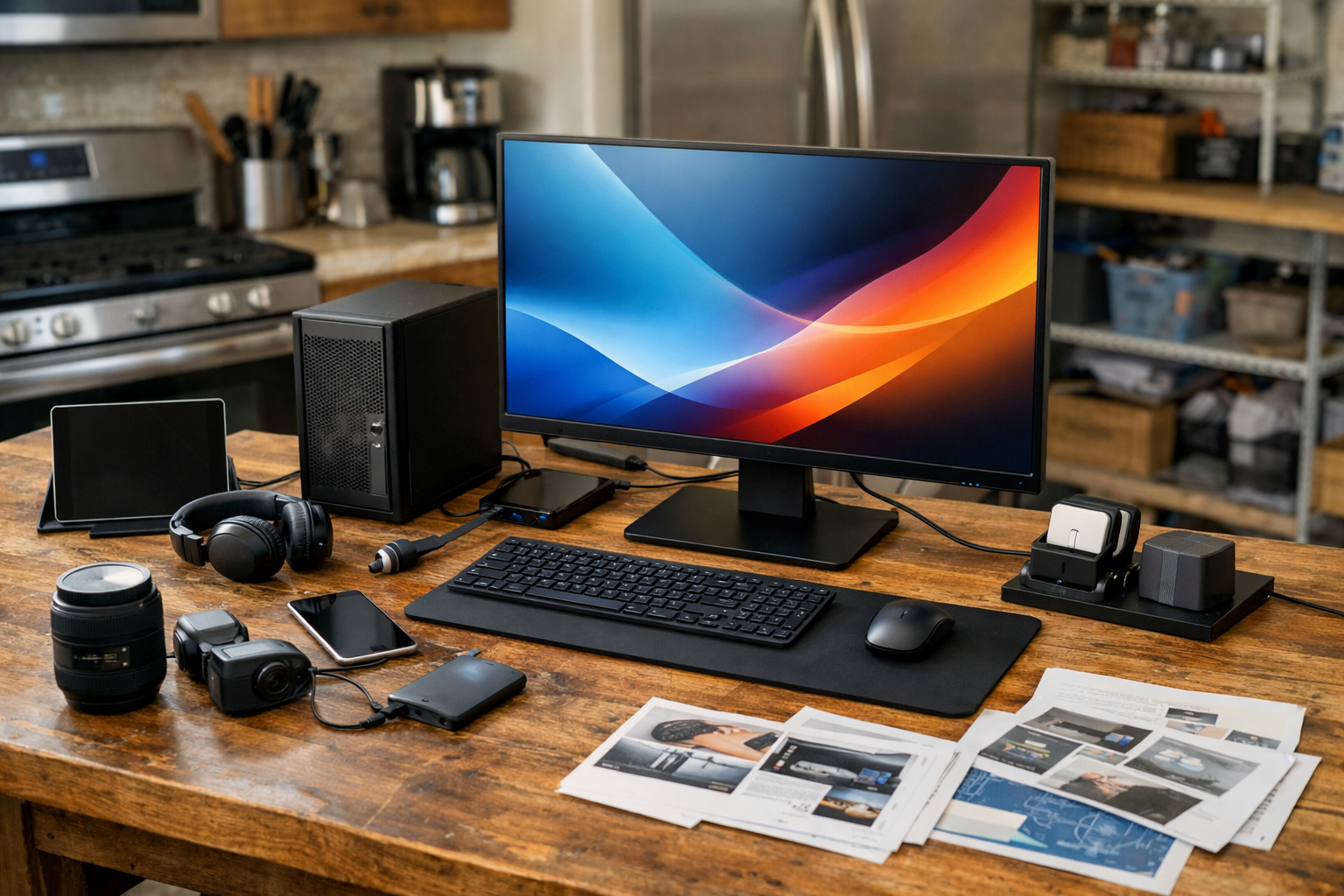
Getting a new PC or Mac is a thrilling moment, but it can also come with its own set of challenges. Whether you're upgrading or replacing an older machine, ensuring that your files and settings transition smoothly is key. Let’s walk through the essential steps to get your new setup running just right.
Preparing the Old Computer
Before you even unplug the old computer, take a moment to make sure everything is organized. Gather any important files, documents, and photos you want to transfer. If your old machine has a messy desktop or scattered files, now is a good time to tidy things up. This way, you’ll know exactly what you need to move, and it can help prevent leaving behind any critical data.
Transferring Files
If you're switching to a new Windows PC, Microsoft’s built-in tools like File History or the PCmover software can help you transfer files easily. For Mac users, the Migration Assistant is a straightforward tool that transfers documents, apps, and settings from your old Mac to your new one. You can also use an external hard drive or cloud storage solutions like Google Drive or Dropbox to manually back up files if you prefer.
Be sure to check that all your photos, music, and documents are copied over. Remember, don’t leave the old computer as the only copy of your cherished family photos! Once you’re confident everything is transferred, you can decide whether to keep the old machine for backup or wipe it clean for recycling.
Setting Up Accounts and Software
Once your files are on the new computer, it’s time to set up your accounts. Make sure to reinstall any necessary software and log back into your email, social media, and other important accounts. If you had specific settings or preferences on your old computer, take a moment to replicate those so your new system feels familiar.
If you’re unsure about transferring accounts for programs like Adobe Creative Cloud or Microsoft Office, The Nerd Network can help ensure that your licenses and subscriptions are properly set up on your new device.
Printer and Peripheral Setup
Don’t forget about your printer and other peripherals! Make sure to connect your printer to the new computer, and install any necessary drivers. For wireless printers, you may need to connect to your Wi-Fi network again. If you run into any issues, it’s always a good idea to call in for help rather than get frustrated.
Troubleshooting Common Issues
Sometimes, things don’t go as planned. If you find that files are missing, programs won’t install, or your printer won’t connect, take a deep breath. Many common issues can be resolved with a quick online search or a call to The Nerd Network. We can help troubleshoot and ensure your new computer is running smoothly in no time.
Book a Visit
If you've tried the basics and still need assistance, or if you just want a helping hand to ensure everything is set up perfectly, don’t hesitate to reach out. Get Help at /contact or call (832) 413-2415.