
Blog · September 7, 2026
Setting Up Your Kitchen-Table Home Office
Working from your kitchen table in Houston can be a challenge, especially when technology needs to be reliable. Here’s how to ensure your home office setup is ready to go by Monday.
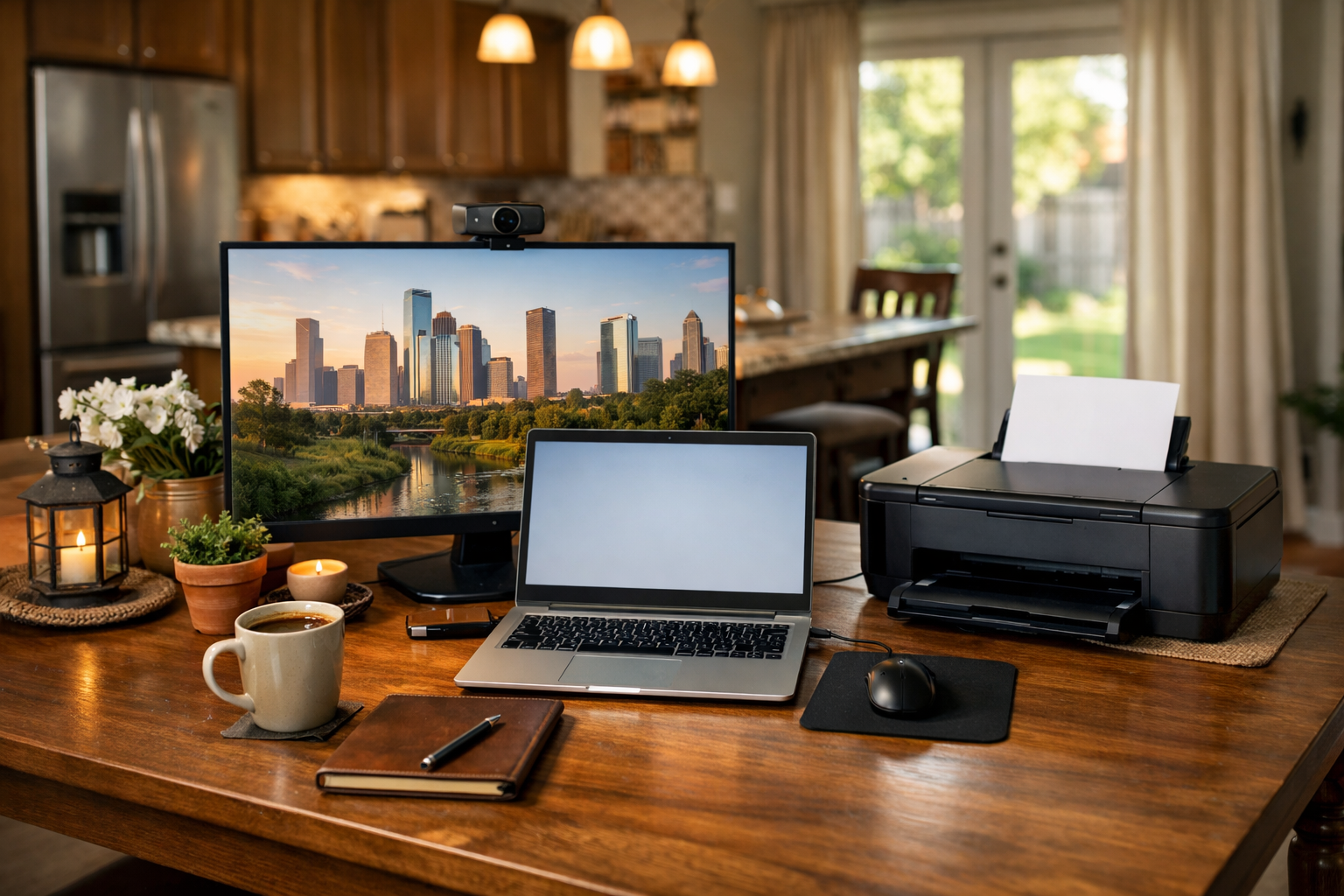
In Houston, many of us have turned our kitchen tables or spare bedrooms into home offices. With deadlines looming and the coffee brewing, it’s crucial that your workspace is equipped to handle your tech needs. Let’s dive into some practical steps to make sure everything runs smoothly.
Assessing Your Space
First, take a good look at your kitchen table or chosen workspace. Is it cluttered with papers, snacks, or kids’ toys? Clear off the surface so you have a dedicated area for your computer, printer, and other essentials. A clean space can help you think more clearly and focus on your tasks.
Setting Up Your Computer
Whether you’re working on a PC or a Mac, it’s essential to ensure that your computer is in good condition. Check that it powers on without issues. If you notice it running slowly, consider closing any unnecessary applications or restarting it to refresh the system. If it’s still lagging, it might be time to reach out to The Nerd Network for a home visit. We can help optimize your system for peak performance.
Ensuring Reliable Wi-Fi
A strong Wi-Fi connection is crucial, especially if you’re participating in video calls or sending large files. Make sure your router is positioned centrally in your home to maximize coverage. If your signal seems weak, try moving closer to the router or connecting directly via Ethernet if possible. If you’re still experiencing issues, we can troubleshoot your Wi-Fi setup and explore options for boosting your signal.
Printer and Webcam Setup
Check your printer to ensure it’s connected and has enough ink and paper. Perform a test print to confirm it’s working properly. If you’ve recently switched to a new printer, it may need to be configured with your computer. Regarding webcams, make sure it’s plugged in and recognized by your computer, especially if you’re using it for meetings. If you encounter any hiccups, The Nerd Network can help you troubleshoot these devices and make sure they’re ready for your workweek.
Organizing Your Digital Workspace
Lastly, don’t forget about your digital workspace. Organize your files, and create folders for projects you’re currently working on. Having a streamlined digital setup can save you time and frustration when you need to find something quickly. If you’re struggling with file organization or software issues, we’re just a call away to assist you in setting everything up efficiently.
Book a Visit
If you need more assistance getting your kitchen-table office ready to go, don’t hesitate to reach out. Get Help at /contact or call (832) 413-2415.