
Blog · September 5, 2026
Setting Up a New Hire Computer for Your Small Shop
Adding a new hire to your small shop can be exciting, but it also comes with the challenge of setting up their computer without becoming an IT expert yourself. Here's a practical guide to get you started!
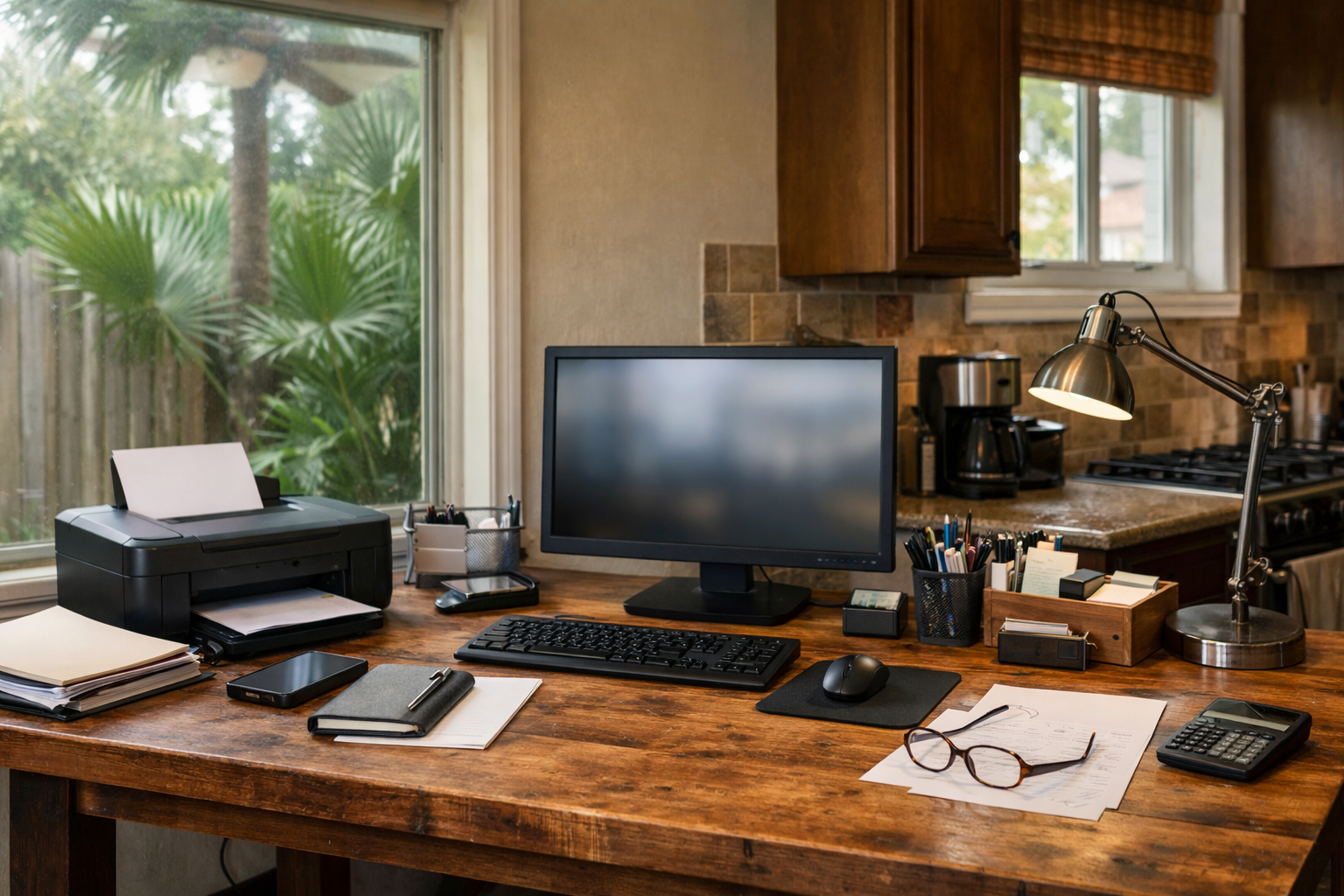
Bringing on a new team member is a great step for any small shop, but the setup can feel overwhelming. You want to ensure they have access to the right tools without turning your workspace into a tech support nightmare. Let’s break down the essentials for setting up a new hire’s computer, including email, printing, and shared files.
Choosing the Right Computer
First things first: you need a usable computer. Depending on the tasks your new hire will be handling, you may opt for a PC or a Mac. If they’ll be doing basic tasks like emails and document editing, most computers will suffice. However, if they need specialized software, ensure that the system you choose can handle it. Consider visiting a local computer shop or reaching out to The Nerd Network for recommendations on hardware that fits your needs.
Setting Up Email
Once you have the computer ready, the next step is setting up email. If your shop is using a business email domain, you’ll want to create a new account for your new hire. Most email services offer straightforward setup options. Just remember to share the login details securely. If you're unsure how to do this, The Nerd Network can help guide you through the process.
Connecting to the Printer
Don’t forget about printing! If your shop has a printer, make sure it’s correctly connected to the new hire’s computer. This often involves installing the printer software and connecting via Wi-Fi or USB. Check if the printer is shared across the network, which allows everyone in the shop to access it. If you encounter any hiccups, troubleshooting it shouldn’t take long, and a quick call to us can save you time.
Organizing Shared Files
File sharing is crucial for collaboration. Set up shared folders on a cloud service or a local server where both you and your new hire can access necessary documents. Services like Google Drive or Dropbox are user-friendly and allow easy file sharing. Be sure to set permissions appropriately, so your new hire can only access the files they need. If you’re unsure about the best way to set this up, we can assist you with that.
Training and Support
Once everything is set up, take some time to train your new hire on how to use the computer and the software they’ll be working with. It’s also a good idea to establish a simple support system for them to reach out if they run into issues. You can be their point of contact, but don’t hesitate to call The Nerd Network if you need additional assistance or troubleshooting.
Book a Visit
If setting up your new hire’s computer feels daunting or if you run into any issues, don’t hesitate to reach out. Get Help at /contact or call (832) 413-2415.