
Blog · September 20, 2026
Replacing an Old Router: When to Upgrade and What to Check
If your Houston home is still relying on the original router from your ISP, it might be time for an upgrade. Here’s what to consider before purchasing a new router or switching to a mesh system.
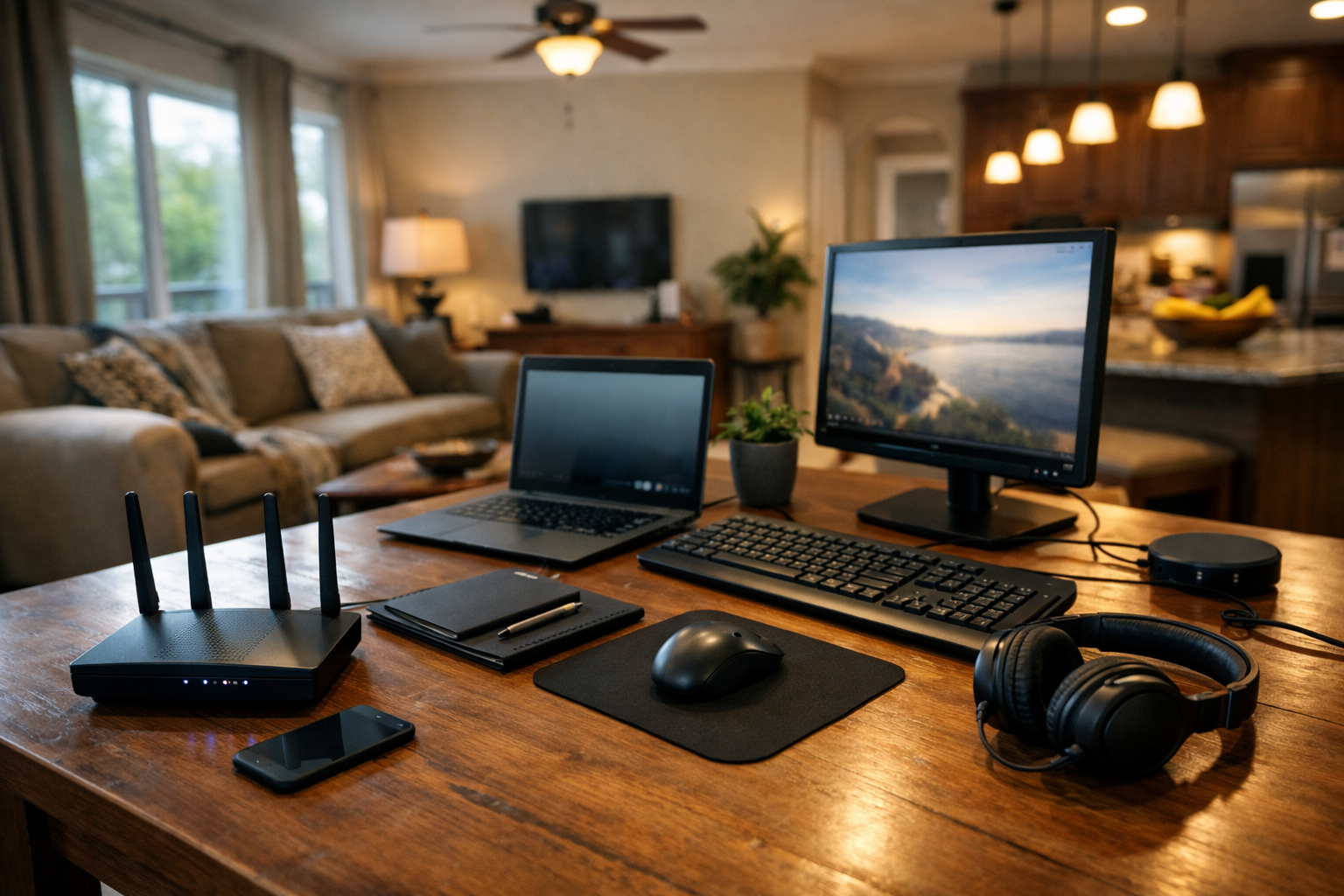
In many Houston homes, the router provided by your Internet Service Provider (ISP) has been dutifully serving its purpose for years. However, as technology advances and household demands grow, it often becomes necessary to consider an upgrade. Let’s explore when replacing your old router is beneficial and what to check before making a purchase.
Signs You Need a New Router
If you're experiencing slower internet speeds, frequent disconnections, or dead zones in your home, it might be time to consider a new router. Older routers can struggle with modern demands, especially if your household has multiple devices streaming, gaming, or working from home. Another sign is if your router is several years old. Technology evolves rapidly, and an older model may not be able to handle the current internet standards or security protocols.
Mesh Systems vs. Traditional Routers
If you’re dealing with Wi-Fi dead spots, a mesh system might be the solution for you. A traditional router can sometimes only provide coverage for a limited area. Mesh systems consist of multiple nodes that can be placed throughout your home, ensuring a strong signal everywhere. If you have a larger home or one with a unique layout, this can significantly improve your internet experience. Remember, though, this option may not be necessary for everyone—if your home is smaller or if your current router still meets your needs, a simple upgrade might suffice.
Checking Your Current Setup
Before you rush out to buy a new router, let’s take a look at your current setup. When I visit, I’ll check the following:
- Location: Is your router placed in a central location? Sometimes simply relocating your router can enhance your signal.
- Cabling: Are the cables in good condition? Old or damaged cables can hinder performance.
- Settings: Is your firmware up-to-date? Sometimes, a quick update can enhance performance significantly.
- Connected Devices: How many devices are connected? Overloading an older router can lead to slowdowns.
After we assess these factors, I can provide tailored advice on whether a replacement or upgrade is the best route.
Selecting the Right Router
If it turns out you do need a new router, understanding your needs is key. Consider the number of devices you typically connect and what activities you do online. For example, if you’re gaming or streaming in multiple rooms, investing in a more robust model or a mesh system could be worth it. Additionally, look for features like dual-band settings, which allow you to connect devices to separate frequencies, reducing congestion.
Book a Visit
If you're feeling uncertain about whether to upgrade your router or how to set up a new one, The Nerd Network is here to help. We can assess your current situation and guide you through the best options for your home. Get Help at /contact or call (832) 413-2415.