
Blog · September 22, 2026
Moving Files Off an Old Computer: A Step-by-Step Guide
When it's time to retire an old computer, ensuring your important files are safely transferred is crucial. Here's how to move your cherished photos, tax documents, and work files before saying goodbye.
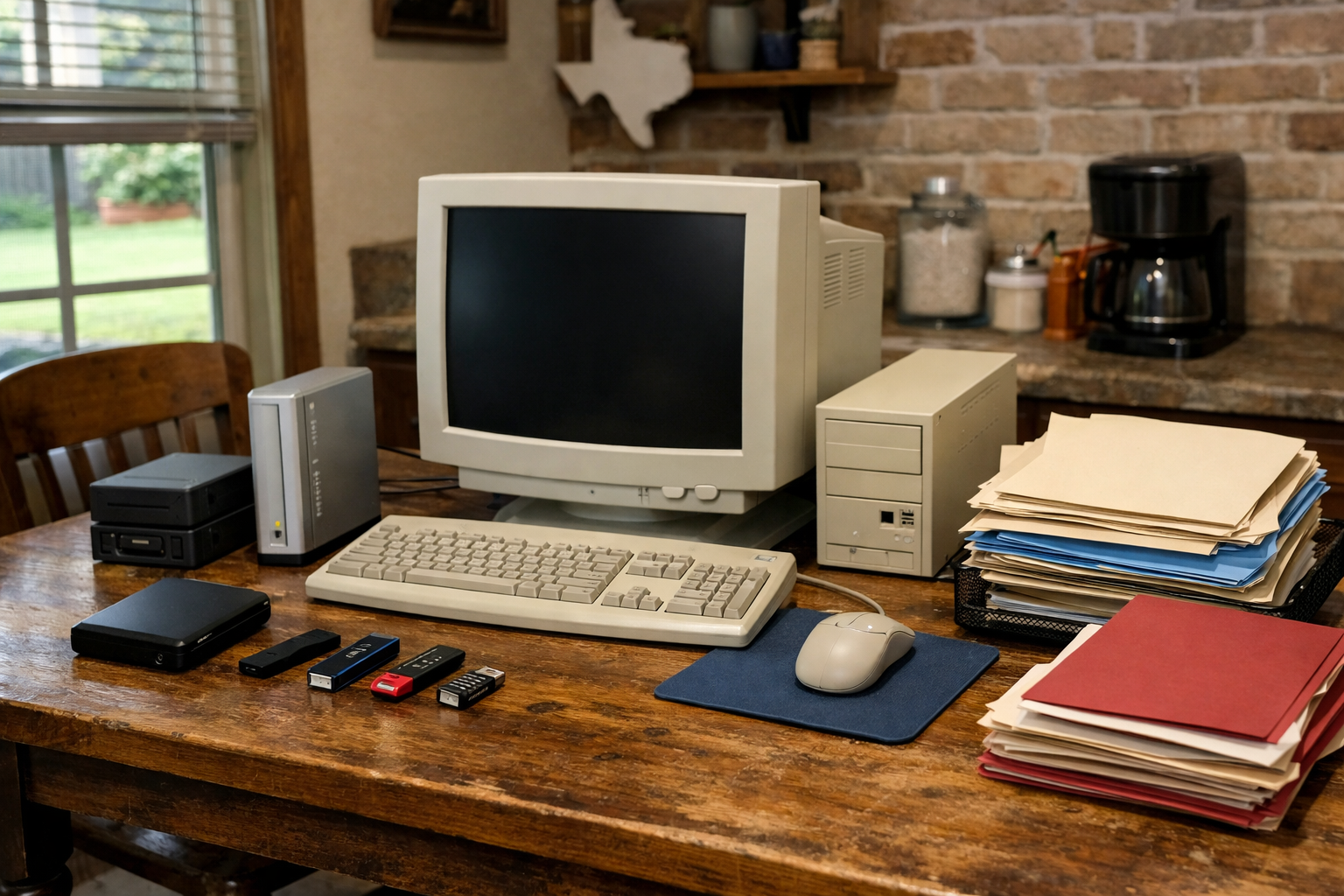
As you prepare to part ways with an old PC or Mac, whether it's destined for donation, recycling, or simply gathering dust, it’s vital to ensure your important files are transferred safely. This includes cherished family photos, essential tax documents, and any work-related files that you might need in the future. Here’s a practical guide to help you navigate this process smoothly.
Assess Your Files
Start by taking a moment to explore what’s on your old computer. Open up folders and check for files you want to keep. Look for photos, videos, tax PDFs, and work documents, and make a list of what’s essential. Don’t forget files that might be hidden in less obvious places, like application folders or cloud storage links. If you find duplicates, consider which versions you want to keep.
Choose Your Transfer Method
Once you’ve identified the files you want to save, it’s time to decide how to transfer them. Depending on your comfort with technology, you have several options:
- External Hard Drive: If you have an external hard drive, this is a straightforward way to back up your files. Simply connect it to your old computer and drag-and-drop the selected files onto the drive.
- USB Flash Drive: For smaller amounts of data, a USB flash drive is an excellent choice. They’re portable and easy to use, making them perfect for transferring files quickly.
- Cloud Storage: If you’re familiar with cloud services like Google Drive, Dropbox, or OneDrive, consider uploading your files there. This offers the added benefit of access from any device with an internet connection.
Organize Your Files
As you transfer your files, take the opportunity to organize them. Create folders for different categories, such as "Family Photos," "Tax Documents," and "Work Files." This will make it easier to find what you need later on. If you’re moving to a new computer, having a well-organized structure will help you set up your new device efficiently.
Double-Check Your Transfers
After you’ve moved your files, it’s essential to double-check that everything transferred correctly. Open a few files from the external drive or cloud storage to ensure they’re intact. Pay close attention to essential documents, as losing tax files or important work information can be stressful. If everything looks good, you can feel confident about moving forward with disposing of your old computer.
Book a Visit
If you encounter any difficulties or feel overwhelmed by the process, don’t hesitate to reach out for help. The Nerd Network is here to assist you with transferring files and ensuring everything goes smoothly. We can help you set up your new computer, manage your data, and more. Whether you’re in your kitchen or a small shop, we come to you in Houston and surrounding communities.
Get Help at /contact or call (832) 413-2415.