
Blog · September 2, 2026
Managing a Shared Family Computer
A shared family computer can be a great resource, but it can also lead to conflicts if not managed well. Here’s how to organize profiles and files for everyone in the household.
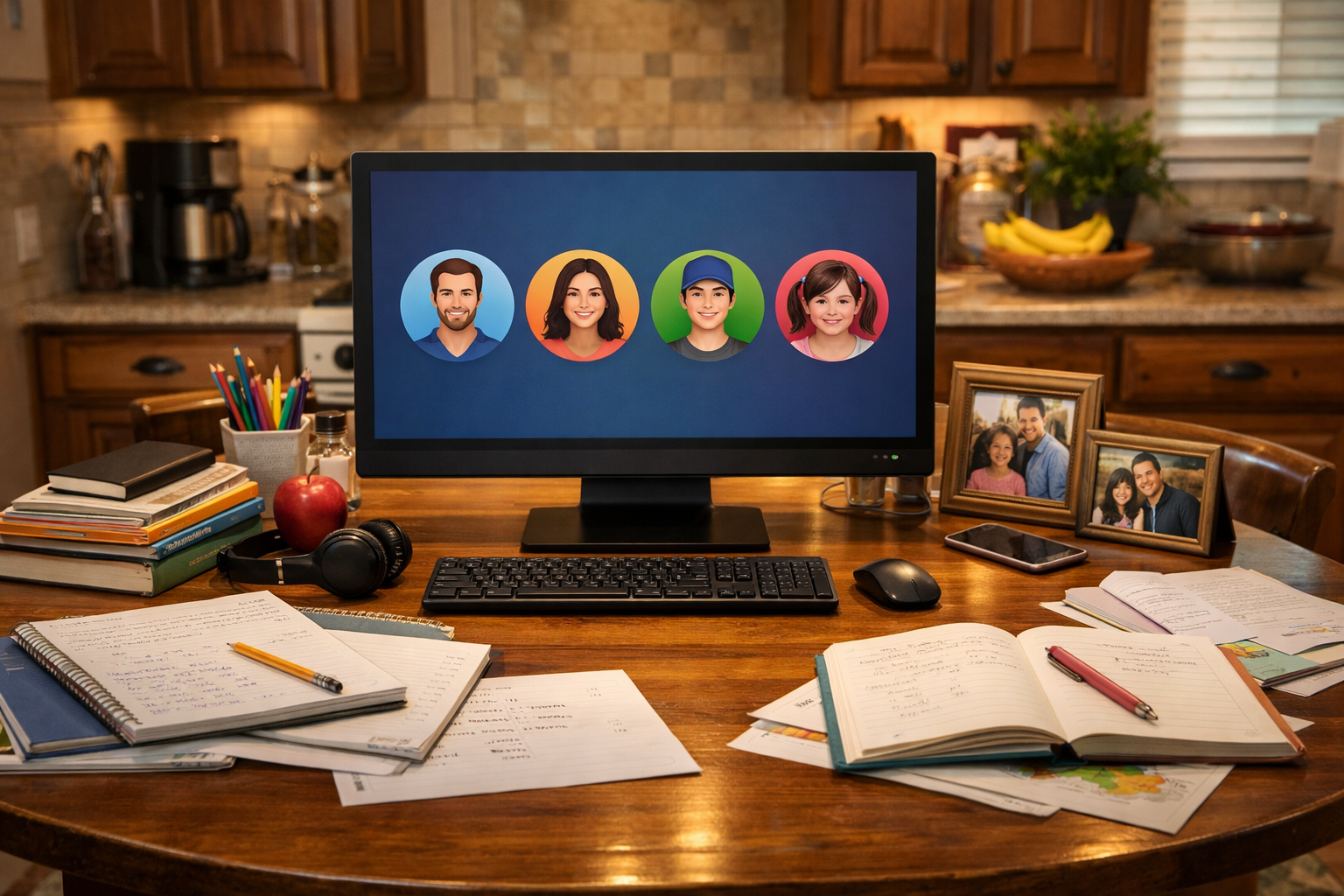
Having a single PC or Mac that everyone in the family uses can promote togetherness, but it can also create chaos if not set up properly. Whether it’s homework, work files, or simply browsing the web, keeping everything organized is key to avoiding conflicts. Here are some practical tips to help manage a shared family computer effectively.
Create Individual User Profiles
The first step in maintaining a shared computer is to set up individual user profiles for each family member. This way, parents, kids, and even grandparents can have their own space on the computer. Each profile can store personal settings, bookmarks, and application preferences, making it easier for everyone to find their own files and use their favorite programs without interference.
To create a new user profile, head to the user settings on your PC or Mac. You’ll typically find an option to add a new user under the account settings. Make sure each family member has a unique login, and consider setting up parental controls for younger users. This way, you can monitor their activity and ensure they’re using the computer safely.
Manage Logins and Passwords
With multiple profiles comes the challenge of managing logins and passwords. It's common for kids to forget their passwords or for adults to leave behind old logins. Encourage everyone to keep their passwords in a secure password manager. This not only helps with remembering passwords but also keeps them from being stored in an insecure manner that can lead to unauthorized access.
Regularly review and clean up any old accounts or logins that are no longer needed. This reduces confusion and helps everyone focus on their current work or school assignments. The Nerd Network can assist in setting up a password manager or reviewing your current setup to ensure it’s secure and efficient.
Organize Files and Folders
Another key to managing a shared computer is file organization. Set up clear folder structures for schoolwork, personal projects, and family files in each user profile. Encourage everyone to save their documents in their designated folders to prevent overwriting or losing each other's work.
Consider having a family folder for shared documents, like photos or family plans. This can be a central place where all family members can access shared resources without stepping on each other’s toes. Regularly back up this folder to avoid losing important family memories.
Communicate and Set Guidelines
Having a shared family computer requires good communication among users. Establish guidelines on how the computer should be used. For example, set time limits for usage if necessary, particularly for younger family members who might be tempted to play games instead of doing homework.
Discuss the importance of logging out after use and keeping personal profiles private. This helps everyone feel respected and ensures that files remain organized. A family meeting can help outline these rules and ensure everyone is on the same page.
Book a Visit
If you find that managing your shared family computer is becoming a challenge or if you’re unsure how to set it up for optimal use, The Nerd Network is here to help. We can assist in creating user profiles, organizing files, and making your computer accessible and efficient for everyone in the household.
Get Help at /contact or call (832) 413-2415.