
Blog · September 8, 2026
Is Your Hard Drive Aging? Signs and Solutions
As hard drives age, they can exhibit signs that indicate trouble ahead. Here’s how to recognize these warning signs and when to reach out for help.
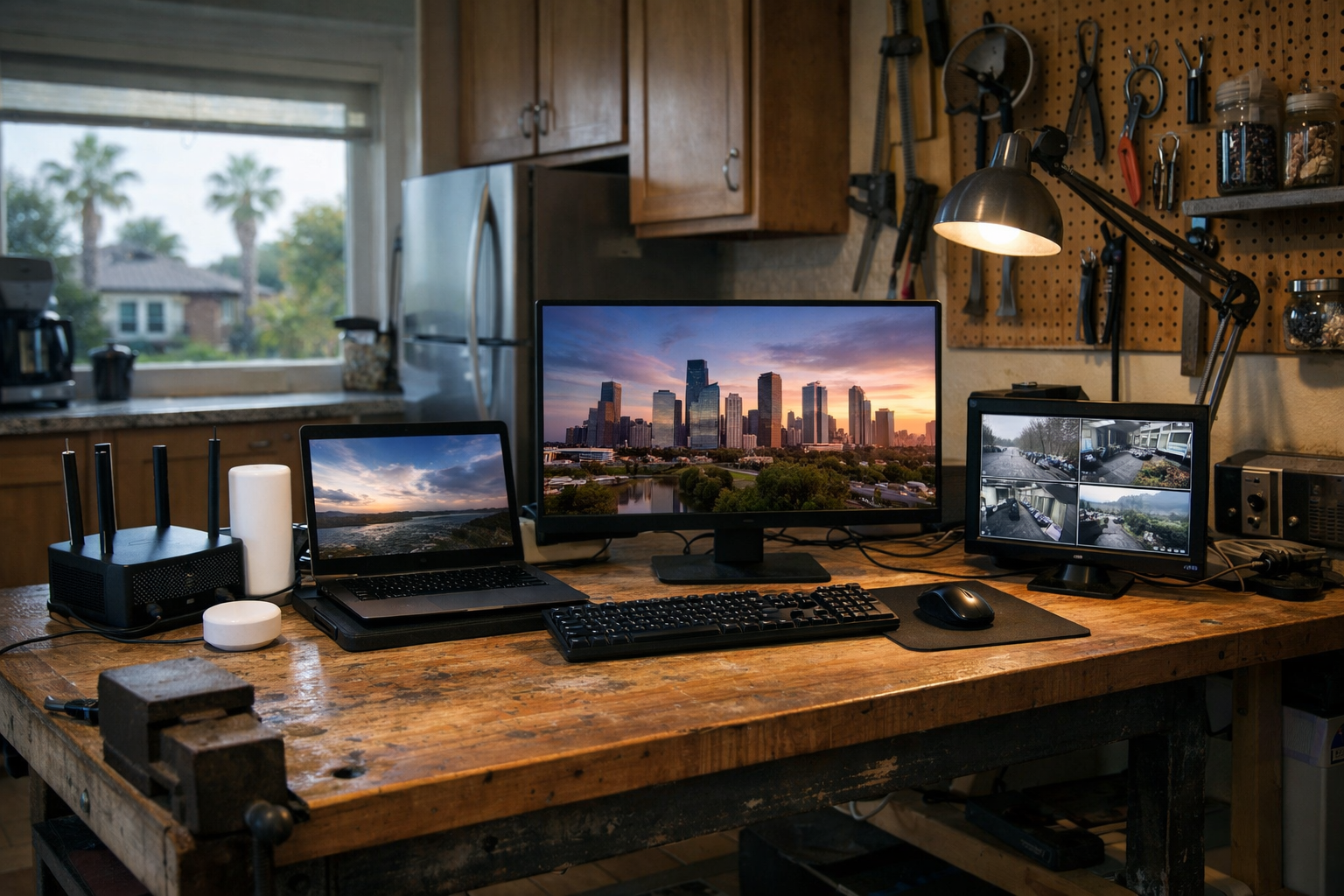
Every computer has a lifespan, and the hard drive is often the first component to show its age. If your computer starts clicking, freezing, or acting sluggish, it might be time to pay attention. Let’s explore some practical signs your hard drive might be on its way out and how to address these issues before you lose important files.
Listen for the Clicks
One of the most common signs of a failing hard drive is unusual clicking sounds. This can indicate that the read/write head is having trouble accessing data. If you hear these sounds, it’s a clear signal that you should back up your files immediately. You can usually do this by copying files to an external drive or a cloud service. If you need assistance with the backup process, The Nerd Network is here to help.
Watch for Freezes and Slowdowns
Another red flag is when your computer starts freezing or taking longer than usual to boot up. If the operating system takes forever to load or programs hang frequently, it may mean that the hard drive is struggling to read or write data efficiently. Before jumping to conclusions, try rebooting your computer. If the problem persists, it’s wise to check your storage space. Low disk space can cause performance issues, so ensure you’re not running too close to full capacity.
Age Matters
If your hard drive is several years old, it’s worth considering that it may simply be nearing the end of its life. Most traditional hard drives last around 3-5 years, while solid-state drives (SSDs) may last a bit longer but can still fail. Look for signs of physical wear, and if your drive is older than five years, you might want to start planning for a replacement, especially if you notice any of the previous issues.
Check for Disk Errors
You can also run a disk check to see if there are errors present. On a Windows PC, you can do this by accessing the properties of your hard drive and navigating to the Tools tab. On a Mac, you can use Disk Utility to check your drive’s health. If errors are found, it may be a sign that your hard drive is failing. At this point, it’s a good idea to reach out to The Nerd Network for professional advice and help with data recovery if necessary.
Plan for the Future
If you suspect your hard drive is aging or failing, it’s essential to create a plan for the future. Regular backups are crucial. Consider setting up a routine where you back up your important files weekly or monthly. Additionally, think about upgrading to a new hard drive or SSD if your current one shows signs of wear. This proactive approach can save you from data loss and ensure your computer runs smoothly.
Book a Visit
If you're experiencing issues with your hard drive or need help with backups, The Nerd Network is just a call away. We can come to your home or small shop in Houston or the surrounding communities to assist you. Get Help at /contact or call (832) 413-2415.