
Blog · September 3, 2026
Humidity and Your Old Electronics: Protecting Your Tech in Houston
Humidity can wreak havoc on old electronics, especially in areas prone to moisture. Here’s how to safeguard your devices and recover your important files before the next rain hits.
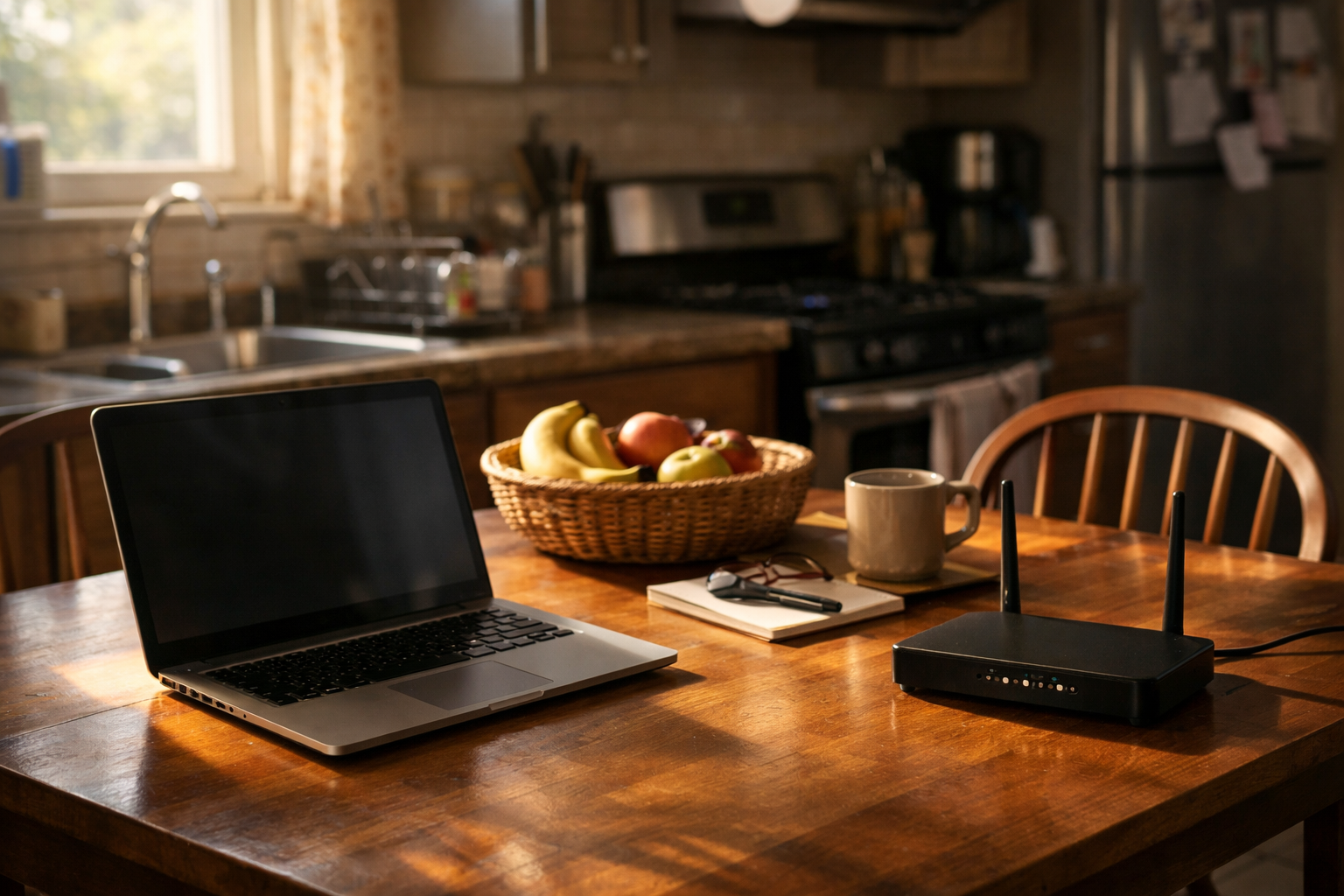
Living in Houston, we know all too well how humidity can be a real challenge, especially for our aging electronics. Whether it’s an old tower computer stuffed in a closet or a backup drive tucked away on a shelf, moisture can lead to corrosion and data loss. It’s important to understand how to protect your devices and recover files before that next rainy spell. Here are some practical tips to help you manage humidity's impact on your tech.
Understanding Humidity’s Impact
Humidity can create an environment that is harmful to electronics. Excess moisture can lead to corrosion on metal components and cause other parts to deteriorate faster than they ordinarily would. If you have an old desktop tower or a backup hard drive that hasn’t seen the light of day in a while, it’s worth checking for any signs of moisture damage. Look for rust or discoloration on metal surfaces, and listen for unusual sounds when you power them on.
Best Practices for Storage
When it comes to storing your electronics, particularly in humid areas of your home, consider these strategies:
- Climate Control: Ideally, keep your devices in a climate-controlled environment. If you can, store them in a room with air conditioning or a dehumidifier to reduce moisture levels.
- Sealed Bags: For backup drives or other small electronics, consider using airtight bags or containers. This can help protect them from humidity exposure when they are not in use.
- Avoid the Closet: While closets may seem like a safe storage option, they can also trap moisture. If possible, keep your electronics in a more open area where airflow is better.
Recovering Your Files
If you suspect that your old devices have been affected by humidity, it’s crucial to back up any important files as soon as possible. Here’s what you can do:
- Connect and Test: If it’s been a while since you last used your device, plug it in and see if it powers on. If it does, check for any unusual noises or smells. If everything seems normal, immediately transfer any important files to another device or cloud storage.
- Use Data Recovery Tools: If your device does not power on or if you encounter errors, there are data recovery tools available. However, some issues may require professional assistance, especially if the data is critical.
When to Call for Help
If you’re feeling uncertain about your old electronics or if you need help recovering files from a device that’s been affected by humidity, don’t hesitate to reach out to The Nerd Network. We can help assess the condition of your devices and guide you through the recovery process. Our team understands the unique challenges posed by Houston’s climate and is ready to lend a hand.
Book a Visit
Get Help at /contact or call (832) 413-2415.