
Blog · September 28, 2026
Getting Your Photos Off One Device: Tips for Houston Families
If family photos are stuck on just one device, it’s time to think about backing them up. Here’s how you can safely transfer and store those precious memories.
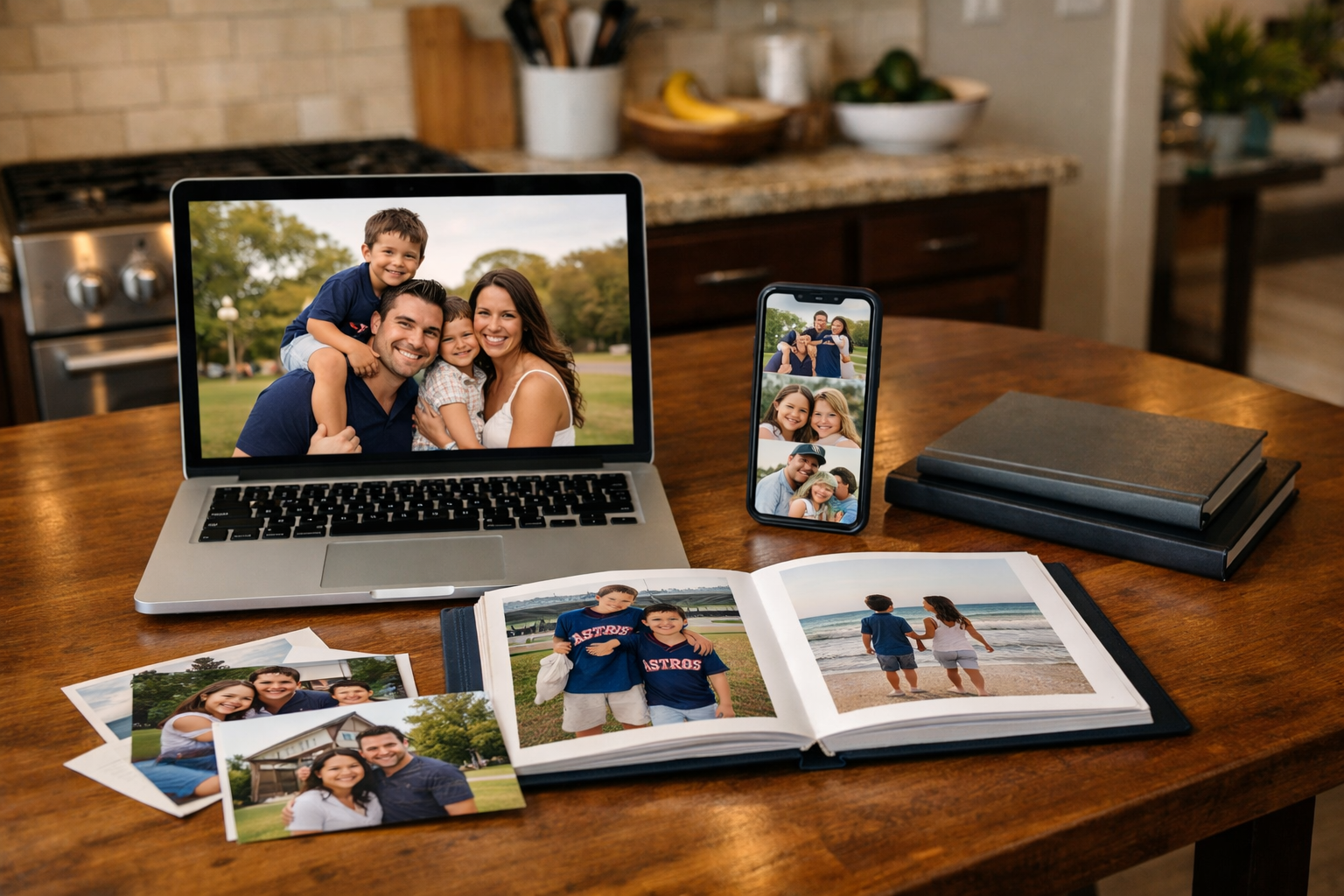
In many Houston homes, cherished family photos end up stored on just one device, whether it’s a smartphone or laptop. This can be a risky situation, especially if that device encounters any issues. Let’s explore some practical steps to ensure your photos are safe and accessible across multiple platforms.
Understand Your Storage Options
First, it’s crucial to know where your photos are currently stored. If they’re on an iPhone, for instance, you might be using iCloud for storage. Google Photos is another popular choice for those using Android devices or even iPhones. Both options provide cloud storage, which is great for backups. But remember, even cloud services can have issues, whether it’s a forgotten password or an account that needs to be renewed. Ensure you have access to your account credentials and that you’re regularly checking for any notifications regarding your storage limits.
Transfer Photos to a Computer
Transferring your photos to a computer is another effective way to create backups. If you have a Mac, you can use the Photos app to import images from your iPhone or iPad. For Windows users, simply connecting your phone via USB can allow you to copy files directly. Once on your computer, consider creating a dedicated folder for all your family photos. Just remember to safely eject your device after transferring to avoid data corruption.
Create Physical Copies
While digital copies are essential, there’s something to be said for having physical copies of your most cherished memories. Consider using a service that prints photos directly from your cloud storage or computer. This way, you can create albums or framed images that don’t rely on technology. Plus, they make great gifts for family members!
Set Up Automatic Backups
To make your life easier, consider setting up automatic backups both on your cloud service and to an external hard drive. Many cloud services offer the option to automatically back up your photos whenever you connect to Wi-Fi. An external hard drive can be a reliable physical backup that you can store safely at home. Just remember to plug it in and run the backup regularly.
Know When to Call for Help
If you find yourself overwhelmed by the thought of transferring and backing up your photos, don’t hesitate to reach out for assistance. At The Nerd Network, we specialize in helping Houston families manage their technology needs. Whether it’s setting up cloud storage, transferring files, or troubleshooting issues, we can help ensure your cherished memories are never at risk.
Book a Visit
If you need help with your photos or any other tech issue, Get Help at /contact or call (832) 413-2415.