
Blog · September 27, 2026
Dealing with Microsoft Account Loops on Your Home PC
If your computer keeps looping through Microsoft account prompts, you're not alone. Here’s how to troubleshoot these pesky login issues without the need for corporate IT support.
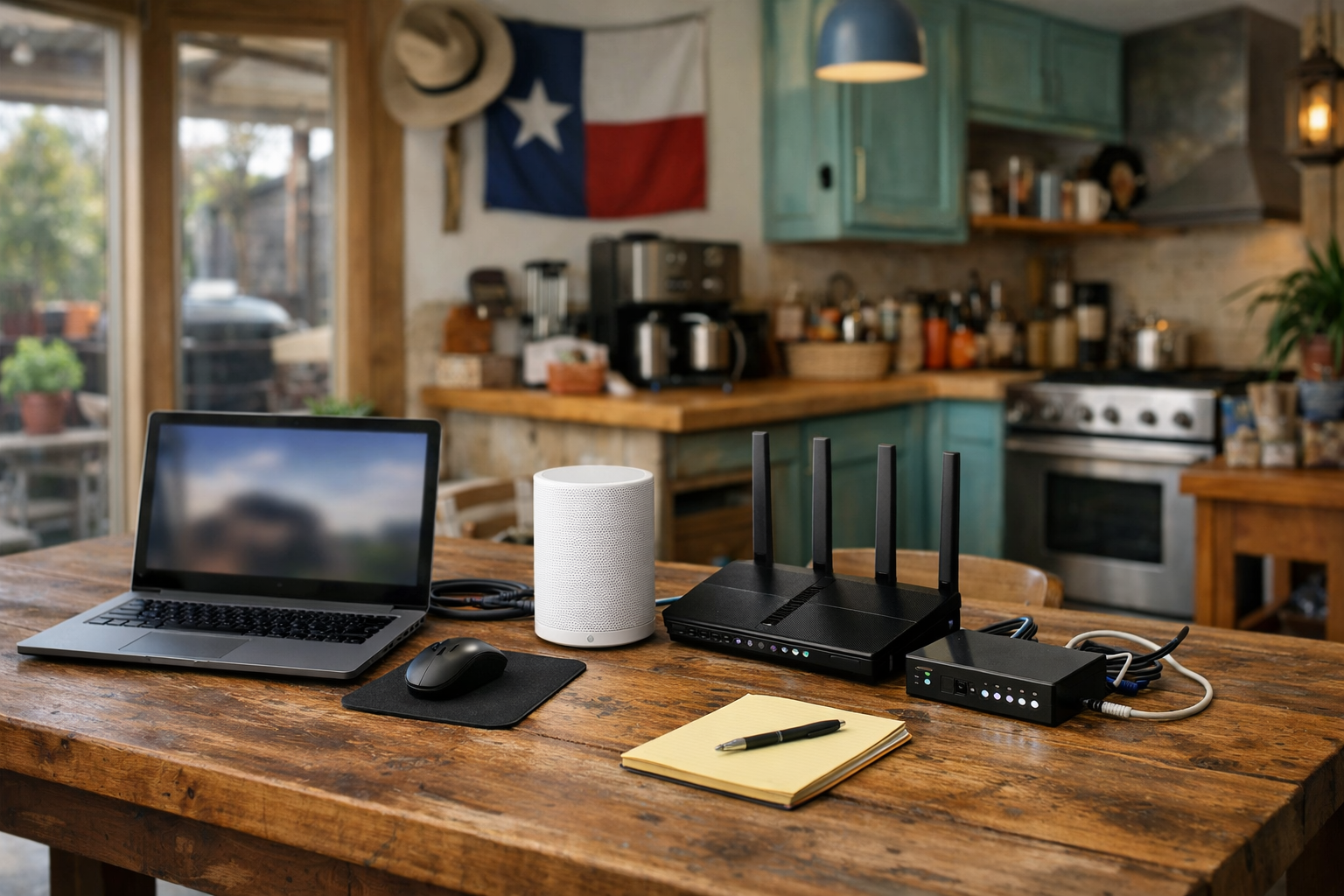
Sometimes, when you turn on your PC, you may find yourself caught in a frustrating loop, continuously asked for your Microsoft account details, PIN, or recovery email. This can happen on both Windows PCs and Macs, often leaving you feeling stuck. Before you reach for the phone to call The Nerd Network, let’s explore some practical steps you can take right at your kitchen table.
Check Your Internet Connection
The first thing to check is your internet connection. A poor or unavailable connection can prevent your computer from verifying your Microsoft account. If you’re connected via Wi-Fi, try moving closer to your router or switching to a wired connection if possible. You can also restart your modem to refresh the connection. If you see a solid connection but are still prompted for your account details, it’s time to move to the next step.
Try Logging in with Different Methods
Next, attempt to log in using different methods available on the login screen. If you have a local account set up, try logging in with that instead of your Microsoft account. Sometimes, the system may allow you to bypass the account prompt this way. If you only have a Microsoft account, keep an eye out for options like 'Sign-in options' on the login screen, which might allow you to choose between a password, PIN, or even biometric options if your device supports it.
Use a Recovery Option
If you still can’t log in, it might be time to utilize a recovery option. Look for a ‘Forgot Password’ or ‘Forgot PIN’ link on the login screen. This can guide you through the process of resetting your password or PIN via your recovery email or phone number linked to your Microsoft account. Be sure to have access to that recovery email or phone handy, as you will need it to receive security codes.
Boot into Safe Mode
If logging in normally is still a no-go, booting your computer into Safe Mode can be a helpful step. Safe Mode loads only the essential drivers and software, which might help you bypass the account prompt. To enter Safe Mode, restart your computer and press the F8 key (or Shift + F8 on some devices) before Windows starts up. From there, select Safe Mode and see if you can log in without the Microsoft account loop.
Book a Visit
If these steps haven’t resolved the issue and you’re still stuck in a Microsoft account loop, it might be time to call in some help. The Nerd Network is here to assist you with your computer troubles, whether it’s at your kitchen table or from a small shop in the Houston area. Don’t hesitate to reach out for support!
Get Help at /contact or call (832) 413-2415.